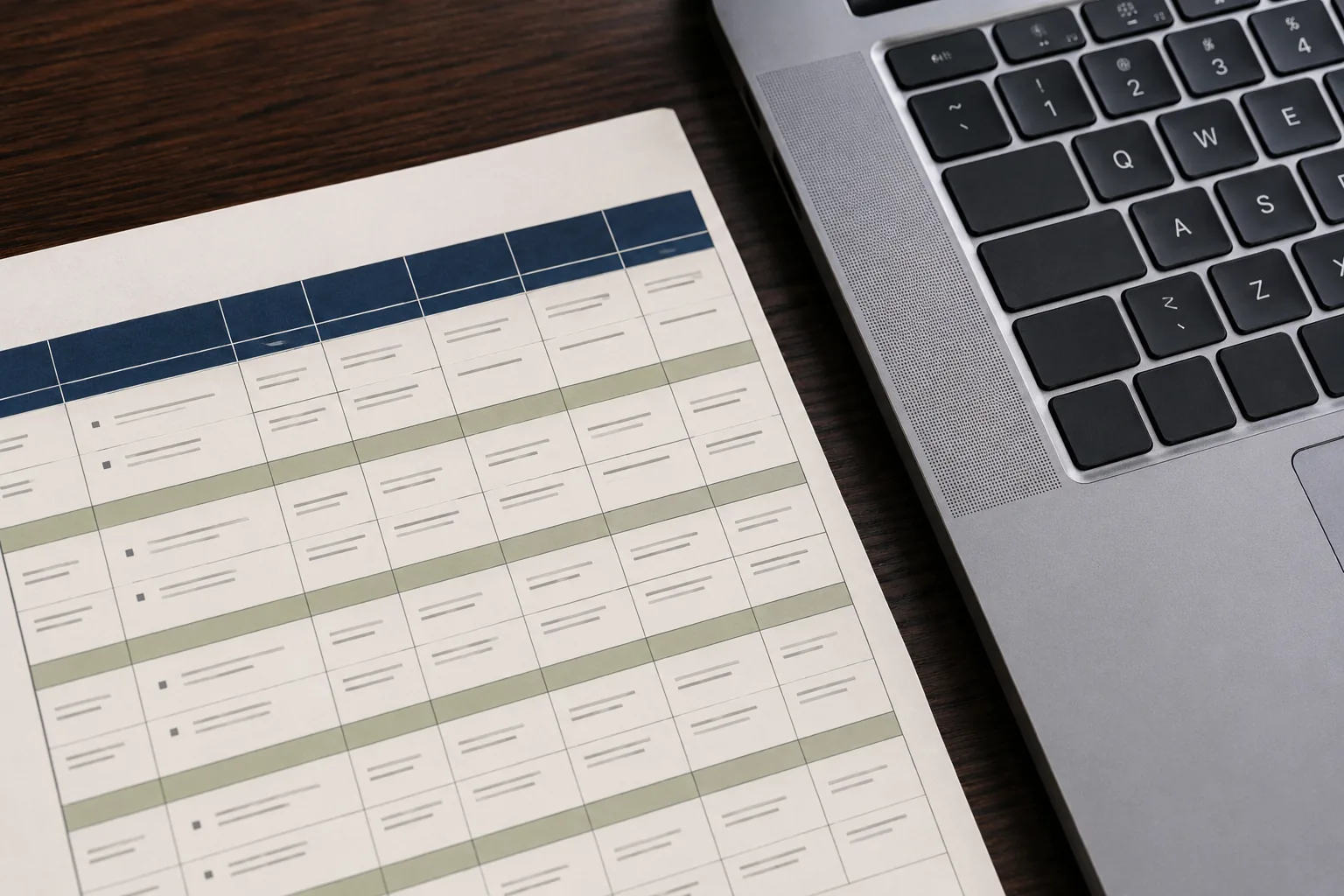
PDF to Word, with the Tables Still Intact

The Report That Won't Let You In
The short, useful version first: you can convert a PDF to Word with tables preserved, so the grid arrives still standing instead of collapsing into a run of loose numbers. Drop the file onto Swoosh, let it read the page as a layout rather than scraping it, and open the report in Word with the rows still rows and the headings still in place. Then read on for why the table is the hard part.
It arrives as a PDF, the way these things always do. A quarterly report, a rate card, a set of figures someone built with care in a spreadsheet and then, for reasons lost to office history, sent out as a locked document. You need to change one row. A single number, a renamed column, a note added to the bottom. And you cannot, because a PDF does not want to be changed. It wants to be read.
So you do the thing everyone does. You start copying the numbers out by hand into a fresh document, cell by cell, and somewhere around the third row you lose your place and have to start the column again. You square one figure against the printout, then the next, and the longer it goes on the more certain you become that you have transposed two digits somewhere and will not notice until it matters.
There is no drama in this. Nobody writes home about reformatting a table. It is simply one of those small, grinding afternoons that paper inflicts on people, and it is entirely avoidable.
Why the Table Is the Hard Part
Plain text is easy enough to lift out of a PDF. Words are forgiving. If a sentence comes across with the line breaks in slightly the wrong place, you can see what it means and nudge it back.
Tables are not forgiving. A table is not really text at all. It is a grid, and the meaning lives in the grid as much as in the numbers. The figure has to stay under its own heading and beside its own label, or it stops meaning anything. This is precisely where ordinary conversion tends to come apart. The numbers tumble out as one long run of digits, the columns collapse into each other, and you are left with a heap of figures that no longer say which is revenue and which is cost. You have technically converted the document. You have practically destroyed it.
So the real test of turning a PDF into Word is not whether the words come through. It is whether the table arrives still standing.
How to Convert a PDF to Word with Tables Preserved
The method is short:
1. Drop the PDF onto the PDF to Word tool.
2. Let it read the page as a layout, seeing which block is a table, which line is the headings, which column sits under which.
3. Open the result in Word with the table still a table, and click into the cell you came for.
4. Keep the original PDF filed beside it, and save your edited copy back out as a fresh PDF if you need to send it on.
The better way is to read the page the way a person reads it, seeing that this block of numbers is a table, that these are its headings, that this column lines up under that one. Done properly, the report opens in Word with the table still a table. The rows are rows. The headings sit where they should. You click into the cell you came for, change the one number, and get on with your day.
That is the whole of it, really. No re-typing, no rebuilding the grid by hand, no squinting between two windows trying to keep your place. The unglamorous miracle is simply that the thing works, and the afternoon you had braced for does not happen.
It helps to think about what a table actually carries. A heading is a promise about everything in the column beneath it. A row is a single thing described from several angles. A subtotal sits where it does because of what comes above it. None of that survives if the numbers are simply scraped off the page and dropped into a line. So the work worth doing is the work that understands the page as a layout, not as a soup of characters, and rebuilds it on the other side with those relationships kept whole.
This sits alongside the everyday paper tools, the free, in-your-browser ones for merging and compressing and combining, which do their plain jobs without fuss. Turning a report into clean, editable Word with the tables held together is the more involved piece of work, and it is one of the Pro tools. It is there for the documents that genuinely matter, the ones where a broken column would cost you a great deal more than the price of the tool.
What You Get Back
You get a Word document you can actually work in. Edit the figures, rename a heading, add a paragraph of context beneath the table, change the font to match your house style. It is yours now, not a flat picture of someone else's decisions.
Keep the original PDF as well, filed beside it. The PDF stays the record of what was sent, untouched, while the Word version is the copy you are free to change. When you have made your edit, you can save it straight back out as a fresh PDF and send it on, and the person at the other end need never know there was ever a locked table standing between you and a five-minute job.
A Few Questions People Ask
Will complicated tables survive?
Merged headings, subtotals, the occasional empty cell, these are read as part of the structure rather than guessed at, so the grid comes across whole. Where something is genuinely ambiguous it is flagged rather than quietly mangled, so you can glance at the original and put it right. The aim is a table you can trust, not one you have to audit line by line.
Is this the free tool or the Pro one?
Turning a PDF into editable Word with the tables preserved is one of the Pro tools, because it is doing the careful, structural work rather than a quick pass. The everyday paper jobs, merging, compressing, combining images into a PDF, stay free and run entirely in your browser.
Can I keep the layout, not just the words?
Yes. The point of the exercise is the layout. Columns stay aligned under their headings, rows stay in order, and the document opens looking like the report it was, only now you can type into it.
Got a locked report to edit? PDF to Word, with the tables still intact.