The Shoebox of Receipts, Finally Tidy
The Corner of the Desk You Avoid
First, the practical part, because you came here to fix a pile of paper: you can turn receipt photos into an expense report without typing a single figure. Photograph each slip, let Swoosh read the merchant, date, items and total, and scan receipts to a spreadsheet you can sort and hand to your accountant. The slow Sunday below is the one you are replacing.
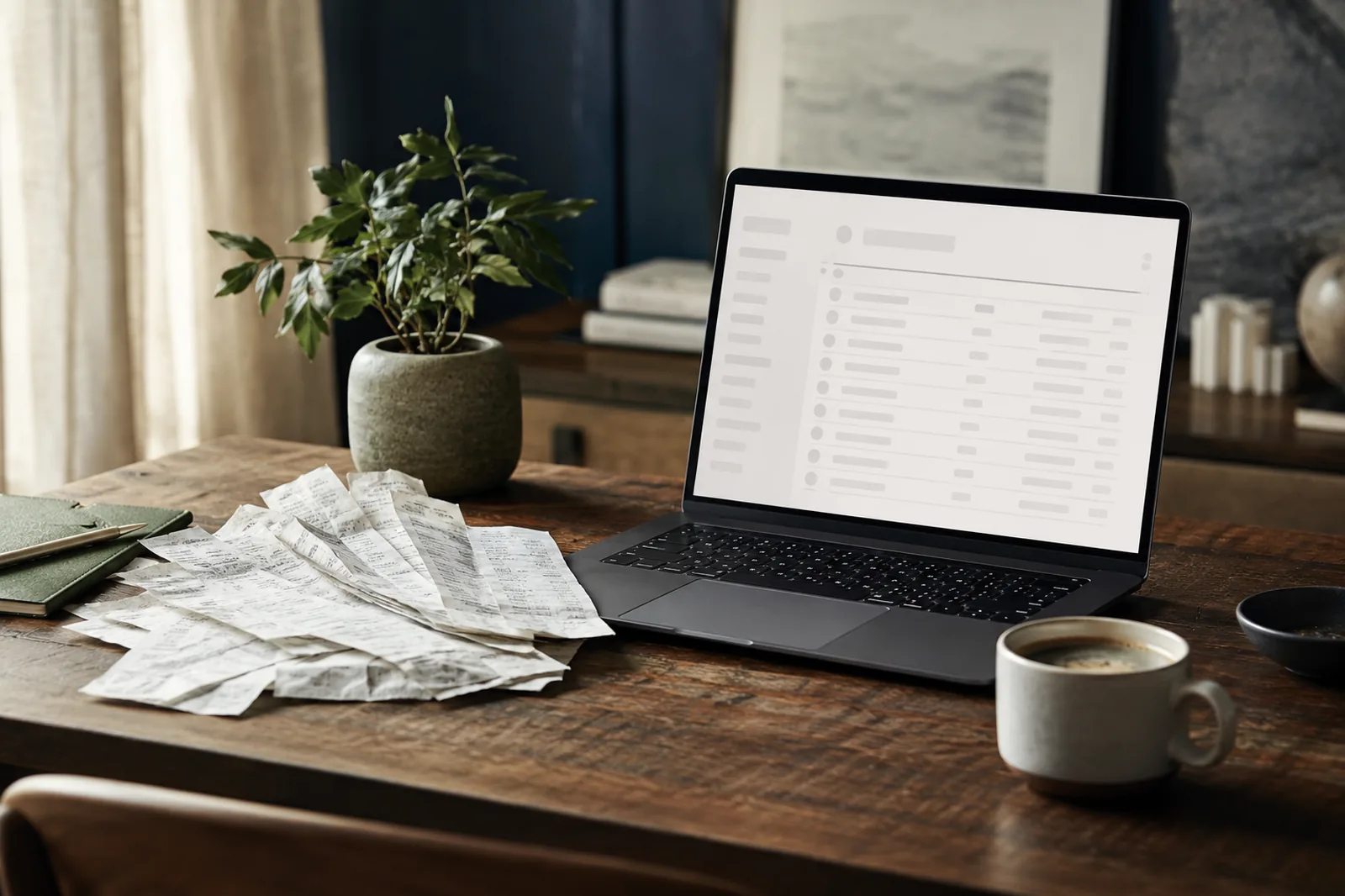
There is a corner of every freelancer's desk that does not get touched. A jam jar, an old envelope, a literal shoebox. Inside it, the quarter so far: the train to the client meeting, the coffee you bought to seem reasonable while you waited, the cable you replaced in a panic the morning of a shoot. Curled thermal slips that have already started to fade. A taxi receipt folded so many times it has gone soft.
You know what is in there, roughly. You also know that the day you finally tip it all out and deal with it is a day you have been quietly dreading. It is not hard work. It is just dull, and slightly sad, and it always seems to land on a Sunday.
This is about making that afternoon shorter, and the desk emptier, than you expect.
Photograph Them as You Go, or All at Once
The receipts you have already lost are gone, so the first kindness you can do yourself is to stop the pile growing. The moment a receipt lands in your hand, before it goes in a pocket and through the wash, photograph it. On the table at the cafe, in the back of the cab, at the till. It takes a second, and then the paper can do whatever it likes.
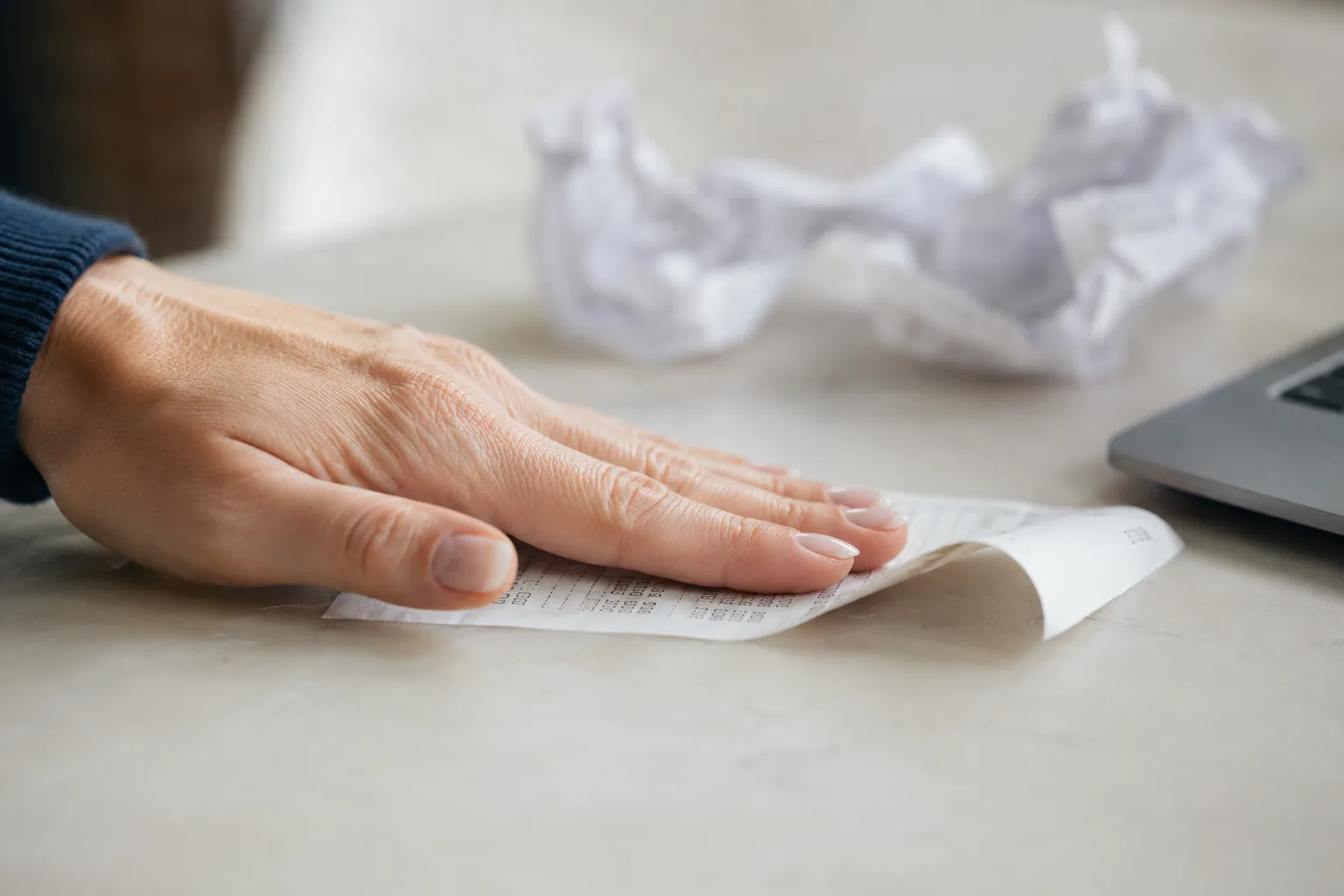
If you are clearing a backlog instead, lay them out. Find a plain surface near a window, smooth each one flat, and take them one at a time. The curled thermal ones are the fiddly part, so press them under your palm or a book for a moment first. A receipt that has been in a wallet for two months wants to roll back up the instant you let go.
Daylight from the side is your friend here, the same as it is for anything on paper. Avoid the overhead glare that bounces straight back off a glossy slip and washes out the total, which is, of course, the one number you actually need.
Turn Receipt Photos into an Expense Report
The method is short, even with a backlog:
1. Photograph each receipt flat, in daylight from the side, so the total does not vanish into glare.
2. Drop them onto the receipts tool and let each one come back read: merchant, date, line items and total.
3. Read down the list and check anything it has flagged as unclear against the original slip.
4. Export the lot as a spreadsheet, sorted by date or grouped by what it was, and send it on.
Now the satisfying part, and it really is satisfying. You drop the photographs onto the receipts tool and each one comes back read: the merchant, the date, the line items, the total. Not a picture of a receipt sitting in a folder, but the words and the figures, lifted out and laid in a row you can do something with.
You read them down the page and it is suddenly a list, not a heap. You can sort it by date to match it against your diary. You can group it by what it was. You can hand the whole thing over as a spreadsheet, which is the part your accountant has been gently asking for since January.
Where a slip is genuinely unreadable, faded to nothing, torn across the total, it is flagged rather than guessed at. You stay in charge of the numbers, which is exactly where you want to be when it is your own tax return. The tool does the dull lifting. You keep the judgement.
To read each slip, the image is sent to a model that does the reading, and we do not keep your images or use them to train anything, which feels right for a pile of paper that quietly documents everywhere you have been and everything you have bought for three months.
Keep the Originals, Lose the Dread
Once the list reads cleanly, export it. A spreadsheet is usually what you want, because it drops straight into whatever your accountant or your own books expect. Keep the photographs of the slips in the same folder as the list, so if anyone ever queries a line, the original is right there beside it.
And then, the best bit. You can throw the shoebox out. Not the records, the box. The faded curls of thermal paper have already given up everything useful they were ever going to give, and there is no reason to keep feeding them back into a drawer. The list has it now, safe, sortable and backed up, and the corner of the desk is just a corner of the desk again. You notice the difference the next morning, when you sit down and there is nothing leaning at you, nothing to feel guilty about, nowhere for the next slip to disappear into.
That is the whole trade. A dull Sunday afternoon, swapped for ten quiet minutes, and a surface you can actually put a cup of tea on.
A Few Questions People Ask
Will it read a faded thermal receipt?
Often, yes, if there is anything left to read. Thermal slips fade from the edges and the print goes grey before it goes entirely, so a clear photograph taken in good light gives it the best chance. Where a figure has genuinely vanished, it is flagged rather than invented, so you can check the original or chase a duplicate.
Can I get it as a spreadsheet?
Yes. The point of a list is that you can act on it, so you can export the read receipts as a file that opens cleanly in a spreadsheet and group, sort and total them there. That is the version your accountant actually wants.
Is this safe for my financial paper?
To read each receipt, the image is sent to a model that does the reading, and we do not keep your images or use them to train anything. A quarter of receipts is a quiet map of your whole life. It stays yours.
Ready to clear the box? Scan a receipt, free to try.